Risky Pirates Controls and HUD Tips
Know your compass, distance readout, Shop tabs, and struggle inputs before the next storm.
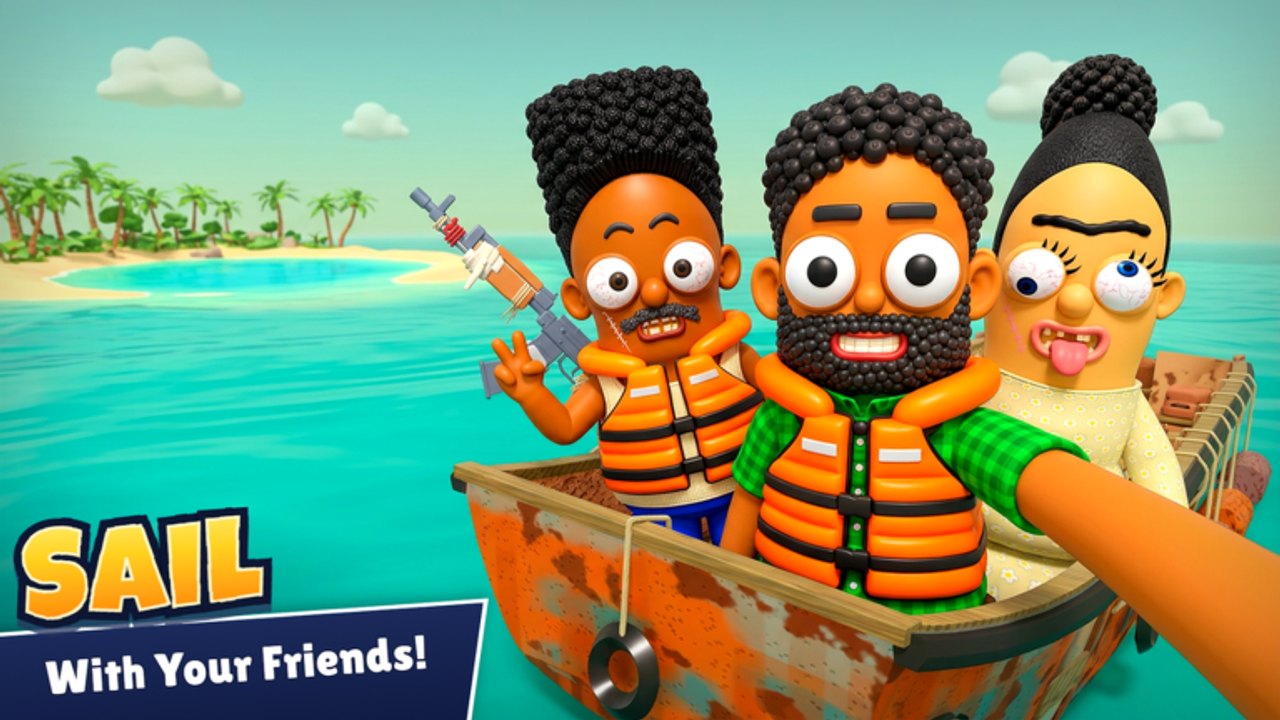
Mastering controls and HUD in Risky Pirates prevents the most embarrassing wipes: empty fuel mid-ocean, lost heading in a storm, and failed crocodile struggles while a chest sits two steps away. This page is the practical reference — pair it with Getting Started for the full day-one loop and the parent Tools Hub for related utilities.
Risky Pirates! by NZY Games throws you onto a rusty skiff with islands to loot, outposts to sell, boats to capture, and hazards to survive. Solo or with up to six friends, muddy UI callouts waste more cargo than bad aim. Memorize two landmarks on day one: the compass sits upper-right, and distance to the next outpost sits bottom-left.
HUD landmarks (memorize these)
| Element | Position | Use |
|---|---|---|
| Next outpost distance | Bottom-left | Fuel planning and bailout timing |
| Compass | Upper-right | Heading in fog, storms, night chaos |
| Boat / voyage status | Center / contextual | Health, speed feel, combat prompts |
| Crew indicators | Varies in co-op | Know who is aboard before you gun the throttle |
If bottom-left distance is larger than your fuel comfort zone, Shop fuel before leaving. If the compass is your only friend in a storm, stop picking optional PvP and run for the pad.
Core control clusters
Roblox defaults apply for move, camera, and jump. On the water, prioritize:
- Helm / throttle — Smooth approaches near mines; do not ram sell pads.
- Camera — Track raiders and sharks before they enter gun range.
- Interact — Chests, sell pads, repair prompts, ship-sale NPCs.
- Combat fire — Primary gun when hostiles commit; conserve ammo.
- Consumables — Meals and repairs on hotkeys or UI as available; never discover they were empty mid-fight.
Exact keybinds can vary with Roblox shift-lock and custom binds — check your client settings if something feels off after a patch (Updates, November 2026).
Shop controls path
- Open Shop.
- Buy ammo, meals, repairs, metal sheets, fuel as needed.
- Open Codes tab → paste → Redeem for Bounty (Codes).
- Spend Bounty on skins, hats, and outfits separately (Skins, Hats & Outfits).
Do this at every outpost stop after selling loot. Decision tree: fuel → meals/repairs → sheets → engine needs → guns/ammo → cosmetics (Guns vs Engines).
Croc struggle tips
When a crocodile grabs you, focus the on-screen struggle prompt immediately. Panicking camera swings delay input. Meals afterward help recovery. Scripts may offer Croc Struggle assist (Auto Farm) but lag spikes still kill — learn the manual timing, and read the ban disclaimer on the Scripts Hub.
Shark and boarding awareness
Keep camera elevated enough to see fins and enemy decks. Firing blindly while zoomed on a chest is how boarders punish looters. Co-op crews should call “fins left” or “raider stern” using shared compass language from the upper-right readout.
Capture and cargo control notes
During hijacks, separate helm focus from gun focus. One player should not try to steer, shoot, and watch distance alone if friends are available. Disable Auto Sail if scripting so control stays human at the critical moment. Build readiness notes live on Boat Builds.
Voyage pre-flight control checklist
- Compass visible upper-right.
- Outpost distance readable bottom-left.
- Fuel greater than or equal to planned loop plus margin.
- Meals and repairs stocked.
- Ammo matches gun plan.
- Metal sheets and hull not ignored.
- Codes redeemed this session if new drops exist.
- Crew voice or chat ready for hazard calls.
Common control mistakes
- Ignoring distance until the engine coughs.
- Fighting in storms without compass glance discipline.
- Opening cosmetics UI in combat.
- Forgetting Codes tab for weeks.
- Holding full throttle through mine water.
- AFK on shores without watching for crocs.
- Letting four gunners ignore the helmsman’s heading.
Device tips
- PC — Rebind only after you know defaults; label crew roles in Discord.
- Gamepad — Confirm look sensitivity so compass checks do not dizzy the helmsman.
- Touch — Keep Shop and sail gestures distinct; mis-taps during storms sink holds.
Raise UI scale in Roblox settings if HUD text is hard to read. Consistent personal binds beat default chaos.
Co-op HUD drill (60 seconds)
- Helmsman: “Compass upper-right locked on heading.”
- Lookout: “Outpost distance bottom-left is X.”
- Quartermaster: “Fuel and meals green in Shop.”
- Engineer: “Sheets and repairs ready.”
- Gunner: “Ammo counted.”
Run the drill every time a new friend joins. Link this page from Wiki Links Discord posts so recruits arrive prepared.
Related tools and guides
Controls mastery is quiet power. When the Kraken shows up, the pirate who already knows which way the outpost lies wins the only fight that matters — the fight to still be floating. Master controls first, then spend boldly. The compass and the distance readout are the cheapest S-tier upgrades in the game — they cost only attention.
Practice drill (five minutes)
Spawn, ignore loot for one circuit, and only train HUD glances: bottom-left distance every ten seconds, upper-right compass every turn, Shop open-close once at the first outpost. Add a voluntary croc-shore approach if safe. End the drill when fuel math feels automatic. That five-minute investment saves more cargo than any cosmetic flex on the Players Hub.
Frequently Asked Questions
Quick answers about codes, boats, loot, and surviving the open sea.
Where is the compass in Risky Pirates?
Upper-right on the HUD. Use it heavily during storms and long chases.
Where do I see distance to the next outpost?
Bottom-left. Check it before greed-looting another island with a full hold.
Which Shop tabs matter most?
Fuel, meals, repairs, metal sheets, and ammo for survival; Codes for Bounty cosmetics; engines and guns as your stage allows.
Do controls differ for co-op?
Keybinds follow each player’s device, but callouts should stay shared: compass upper-right, outpost distance bottom-left, role-based Shop checks.
Will UI positions change after updates?
They can. Watch the Updates Hub after major patches and re-verify callouts if something feels missing.